Free Chrome extension · AI search
Robin AI Visibility: is your site ready for AI search?
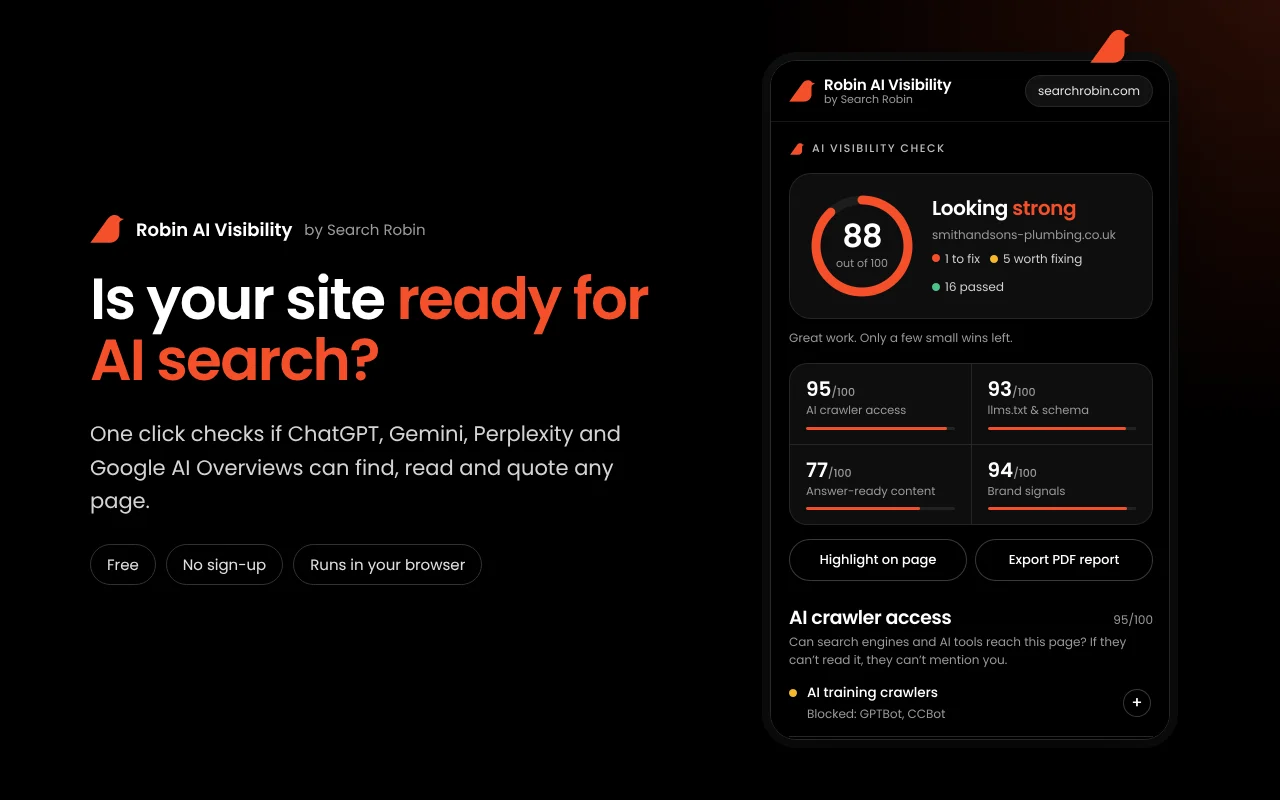
One click shows whether ChatGPT, Gemini, Perplexity and Google’s AI Overviews can find, read and quote any page, and exactly what to fix if they can’t. It checks the page itself. To see what AI tools actually say about your business, that’s our AI visibility audit.
FreeNo sign-upRuns in your browserPlain-English fixes
Awaiting Chrome Web Store approval · Free · No sign-up
What it checks
Four things AI tools need before they mention you
01
AI crawler access
Checks robots.txt for Googlebot, Bingbot and 9 AI crawlers, including ChatGPT, Perplexity, Claude and Gemini, plus noindex and nosnippet rules.
02
llms.txt & schema
Looks for an llms.txt file, Organization or LocalBusiness schema, page-type schema and any broken structured data.
03
Answer-ready content
One clear H1, sections, question-style headings, short direct answers, lists and tables, content length, dates and authors.
04
Brand signals
Business name, phone, address, About and Contact pages, linked social profiles and logo, so AI tools can tell exactly who you are.
How it works
Three clicks to a clear answer
01
Open any page
Your own site, a competitor or a client. It works on any normal website.
02
Click the robin
The check runs in a few seconds and gives the page a score out of 100.
03
Fix the red items first
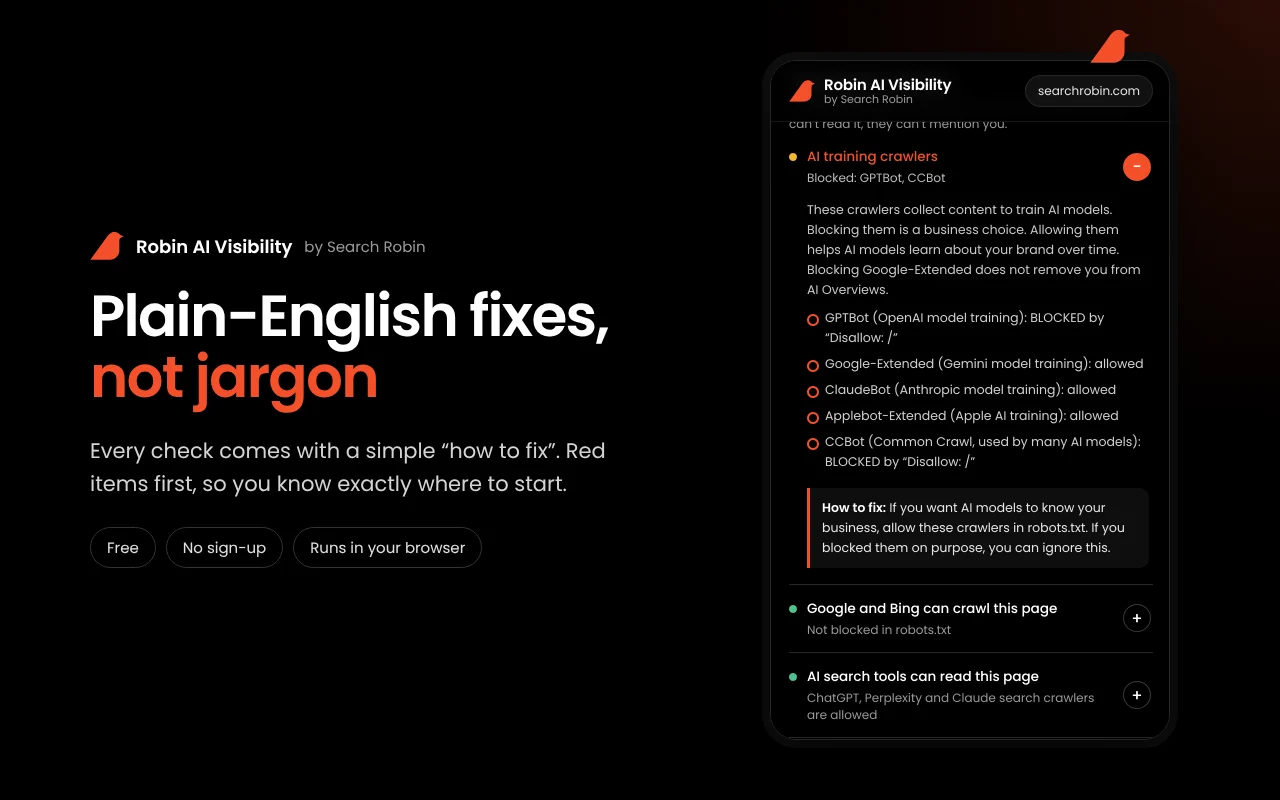
Every issue comes with a plain-English fix. Export a PDF to share with your web developer.
What you get
A score, a checklist and fixes in plain English
- A score out of 100, plus a score for each of the four areas
- A checklist with fixes, red items first, so you know where to start
- Highlight on page marks question headings, lists and tables right on the site
- A branded PDF report to save or send to your developer
Private by design
Nothing leaves your browser
Robin AI Visibility runs entirely on your own computer. It doesn’t collect, store or send any data about you or the pages you check. No account, no tracking, no ads. Read our privacy policy for the details.
Install
Add Robin AI Visibility to Chrome
Robin AI Visibility is free and is going through review on the Chrome Web Store now. The install button will appear right here as soon as Google approves it.
Want the full picture? We’ll run your buyers’ real questions through ChatGPT, Gemini and Perplexity and show you where you stand.
FAQ
Robin AI Visibility FAQs
Is Robin AI Visibility really free?
Yes. It’s free, with no sign-up, no trial and no paid upgrade. We built it for our own audits and decided to share it.
Does it collect my data?
No. The check runs inside your browser. Nothing about you or the pages you check is sent to Search Robin or anyone else.
Which AI crawlers does it check?
Googlebot and Bingbot, plus OAI-SearchBot, ChatGPT-User, PerplexityBot, Claude-SearchBot, GPTBot, Google-Extended, ClaudeBot, Applebot-Extended and CCBot.
Does a high score mean AI tools will recommend me?
Not on its own. The score shows that AI tools can reach, read and understand the page. Whether they mention you also depends on your reputation, reviews and what other sites say about you. That’s where our AI search optimization service comes in.
What is llms.txt, and do I need one?
llms.txt is a new, optional text file that gives AI tools a short summary of your site and links to key pages. Google has said it doesn’t use it, but some AI tools do. It’s quick to add, so the extension marks it as worth fixing rather than urgent.